
Your Dota 2 coach, live.
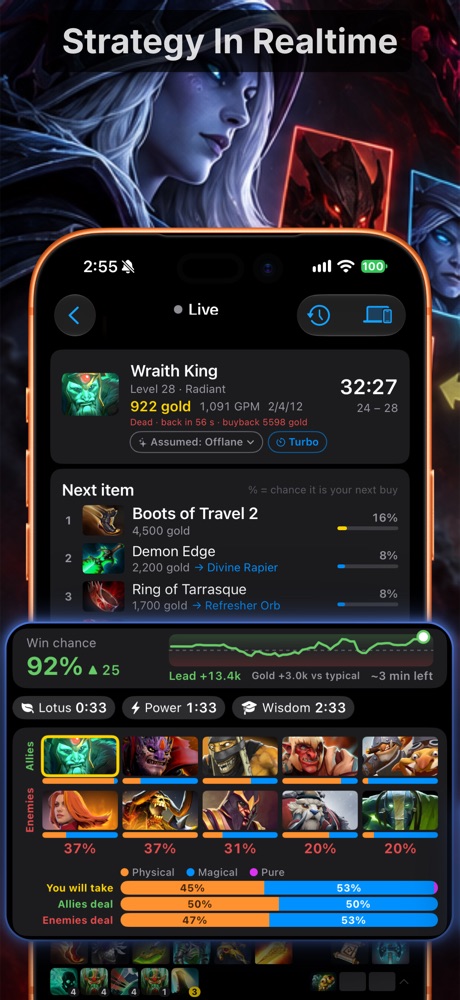
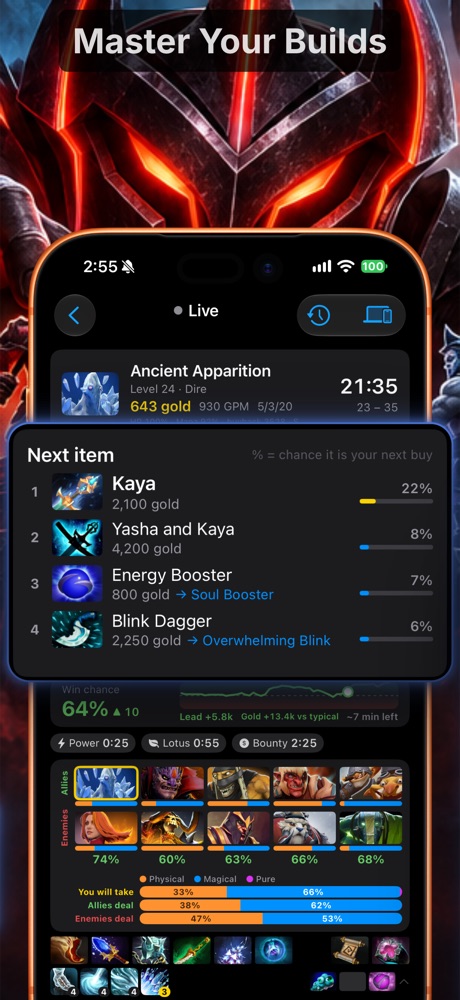
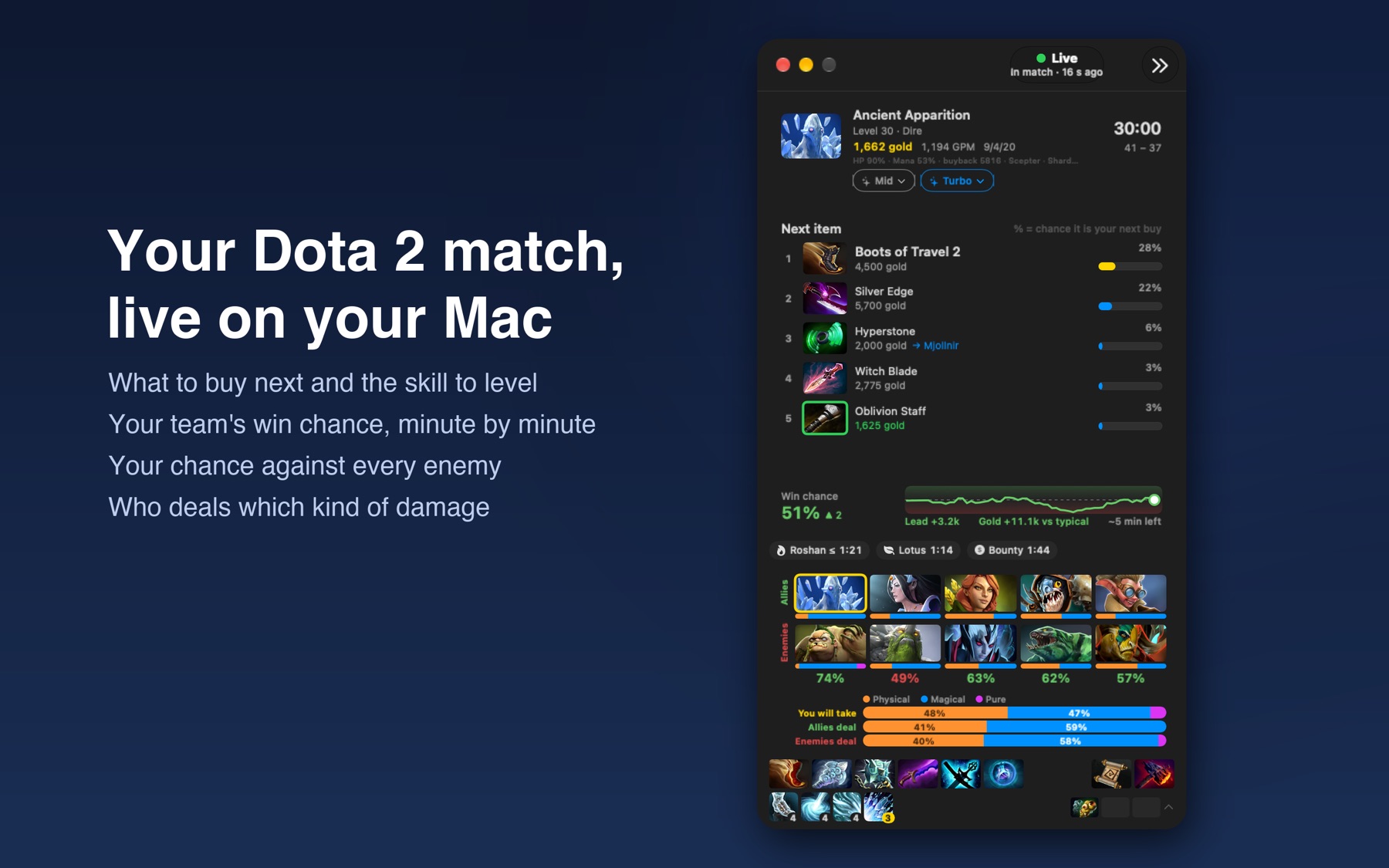
D2 Coach follows your game and tells you what to buy next, how likely you are to win, and when Roshan and the runes are up.
Mac needs macOS 26 or later (direct download is notarized by Apple). Windows 10 or later, 64-bit.
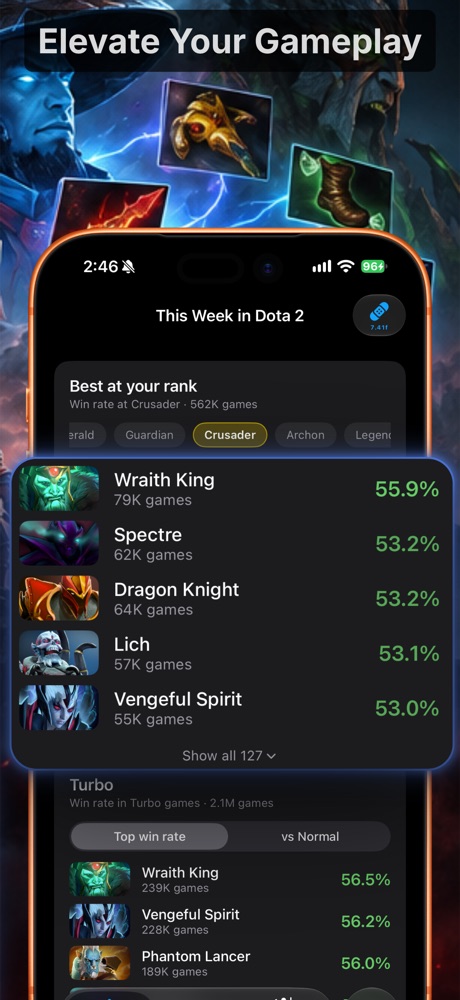
On your iPhone
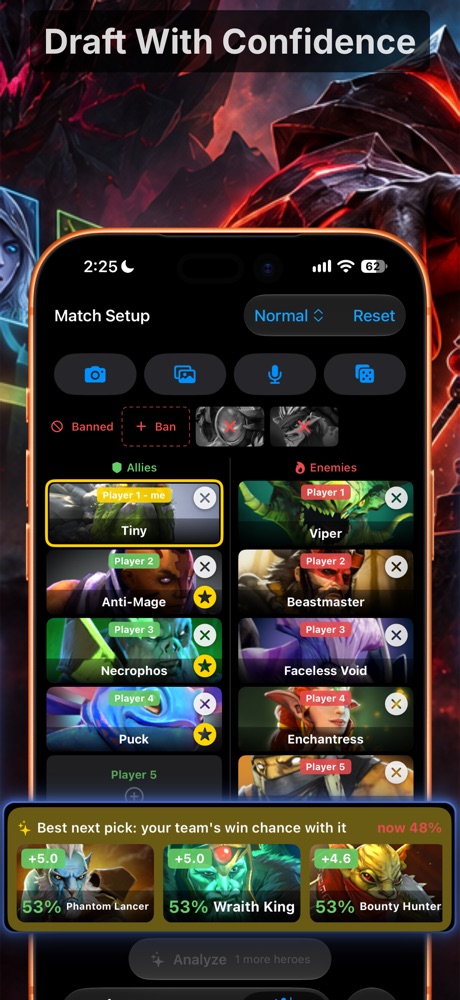
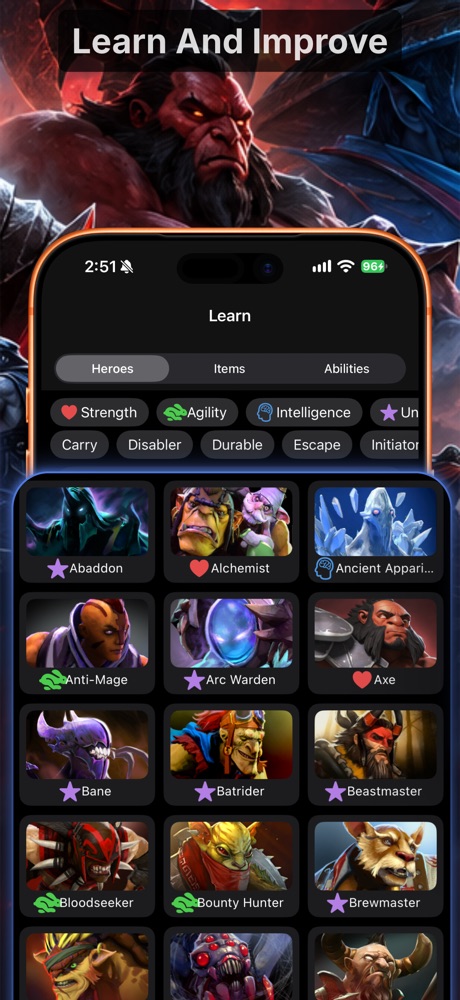
Draft before you queue, learn every matchup, and follow the match from your phone over Wi-Fi.
On your Mac
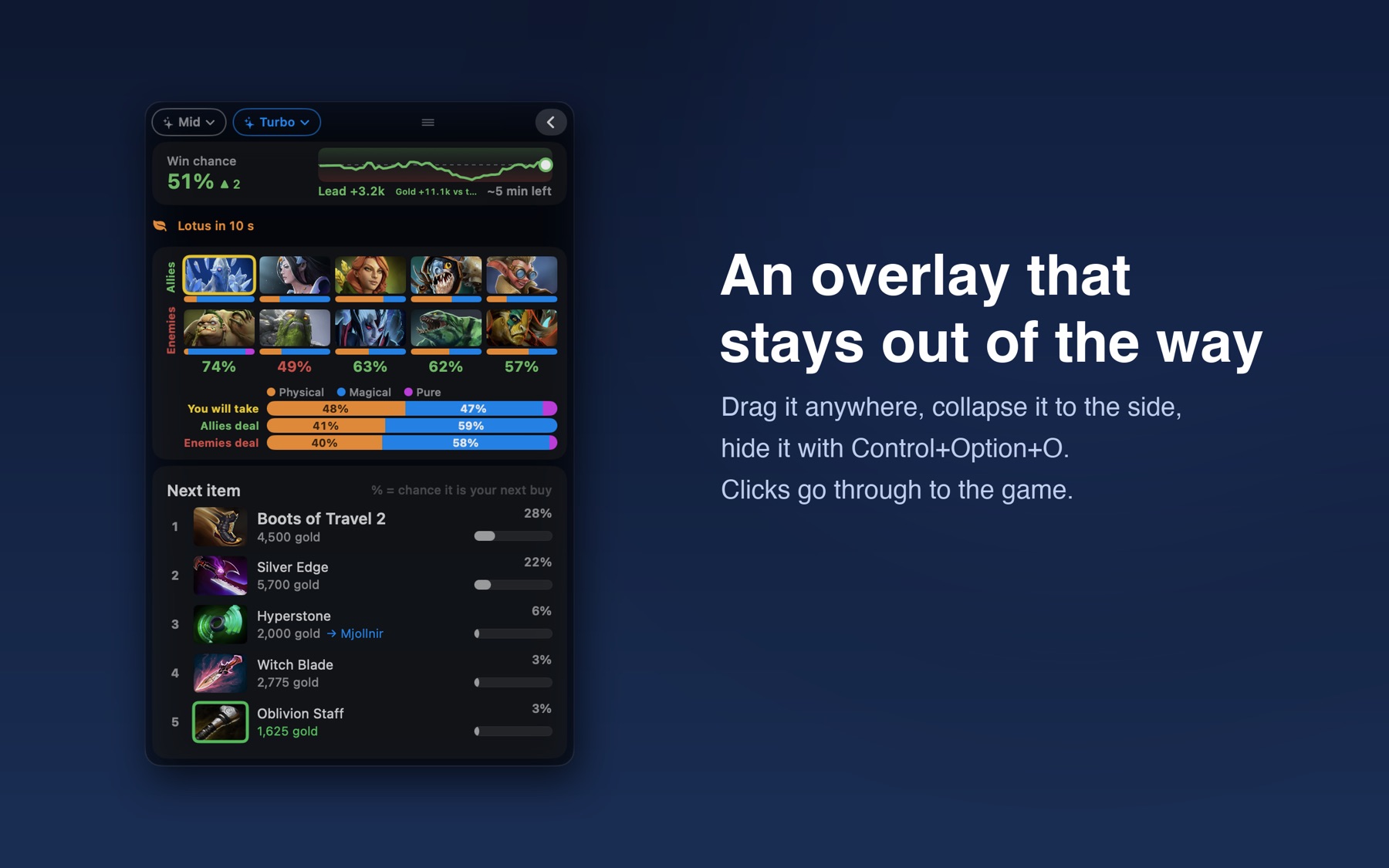
The live assistant with an overlay that stays out of the way: drag it anywhere, collapse it to the side, hide it with Control+Option+O. Clicks go through to the game.
On Windows
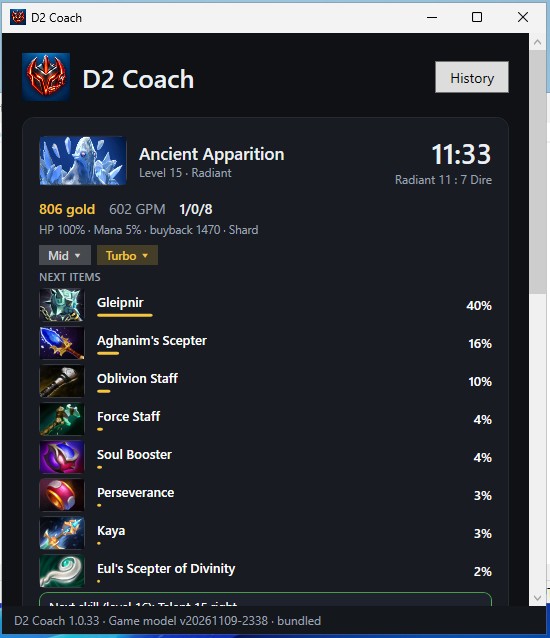
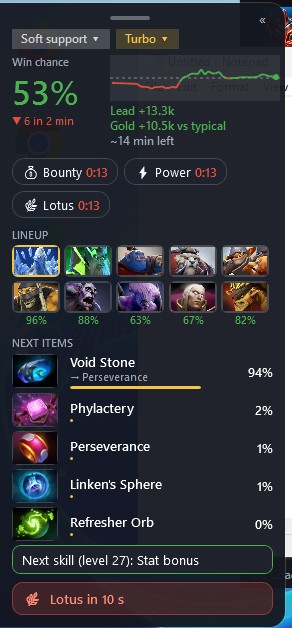
The same live assistant as on the Mac: the next items, your chance to win, the lineup and the draft read off Dota's own screen, and an overlay that sits at the edge of the game. The Windows app sets Dota 2 up for you.
What it does
Everything is based on recent public matches, updated every day.
- A ranked list of what to buy next, following your role
- A win chance that moves as the game goes, with your team's gold lead
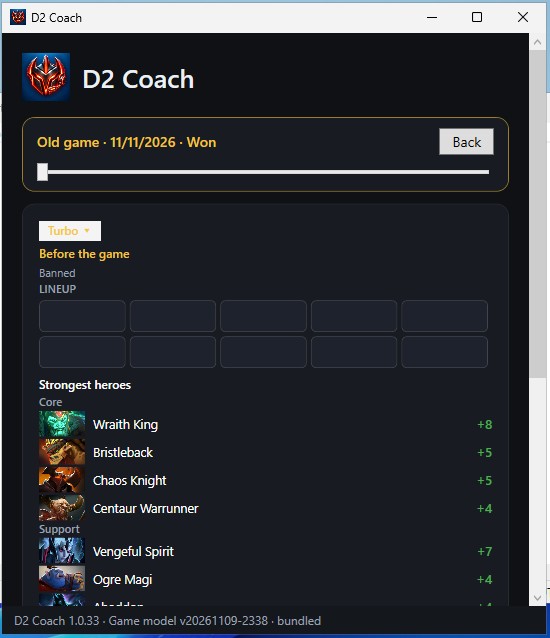
- Your chance to win against each enemy hero
- Timers for runes, Roshan, the Aegis, Tormentor and lotus pools
- Best next picks while you draft, in Normal or Turbo
- Counter items for every enemy and popular hero builds (iPhone)